Website Breakdown
Well, this has been a long time coming, but the blog is finally up!
For my first post, I find it fitting that I would cover the overall website in detail.
The thought process
So essentially, I just wanted to make a quick blog/resume website. Mainly just to showcase my LeetCode solutions, but also to just document things I find interesting.
Obviously, my first step was to search for “Portfolio website” tutorials on YouTube. Skimming through the videos, I realized that many were done in React or Next.Js… which my CS course never really covered.
After taking a quick peek at the documentation, I quickly realized it might be overkill for a basic blog.
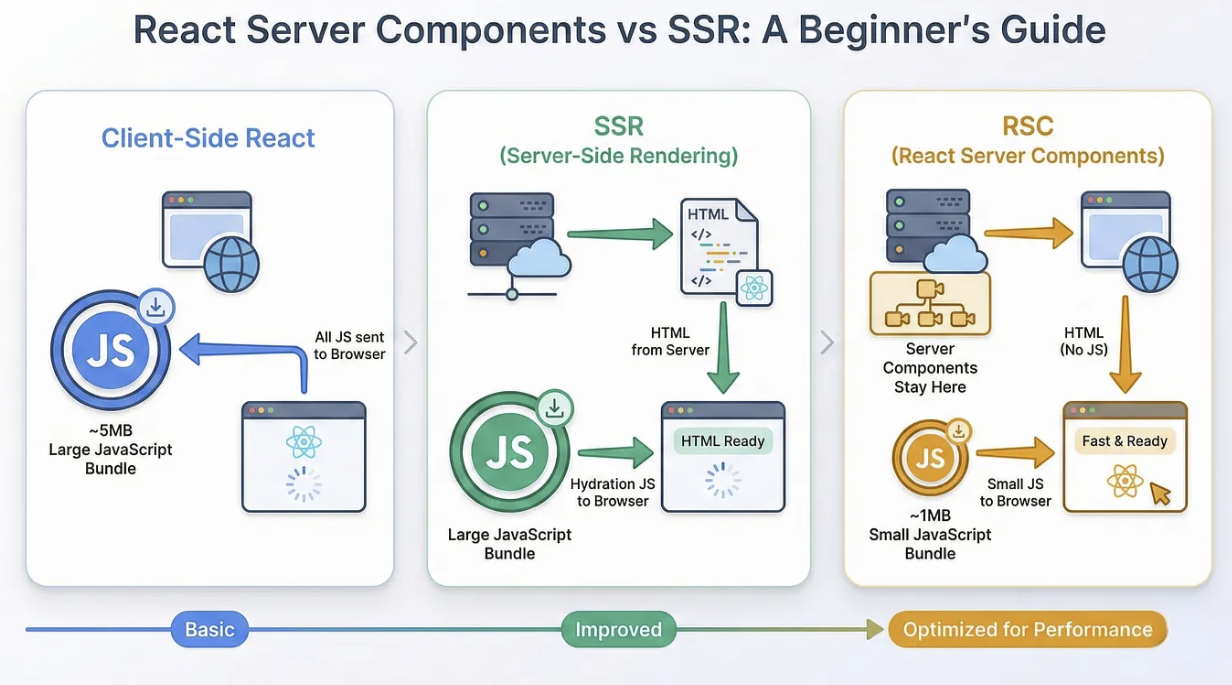 Image source
The stack
Being the time efficient person I am, I figured the quickest way to get my blog up and going was to build on what I already know… which honestly wasn’t much at the time.
- HTML
- CSS
- Javascript
I eventually stumbled upon a tutorial that uses 11ty to build off a static HTML/CSS website created by Kevin Powell.
11ty and Nunjucks basically helped trim down the repetitive code through templating, inheritance, and code injection. Reusable and persistent blocks of code for things like the header/footer were very useful. The ability to organize the website with a simple folder structure was a nice bonus.
The experience
Honestly, the funnest part was just browsing through Pinterest color palettes and figuring out what type of theme I wanted. I loved the idea of a dark academia theme for dark mode and eventually implemented a light academia theme for light mode.
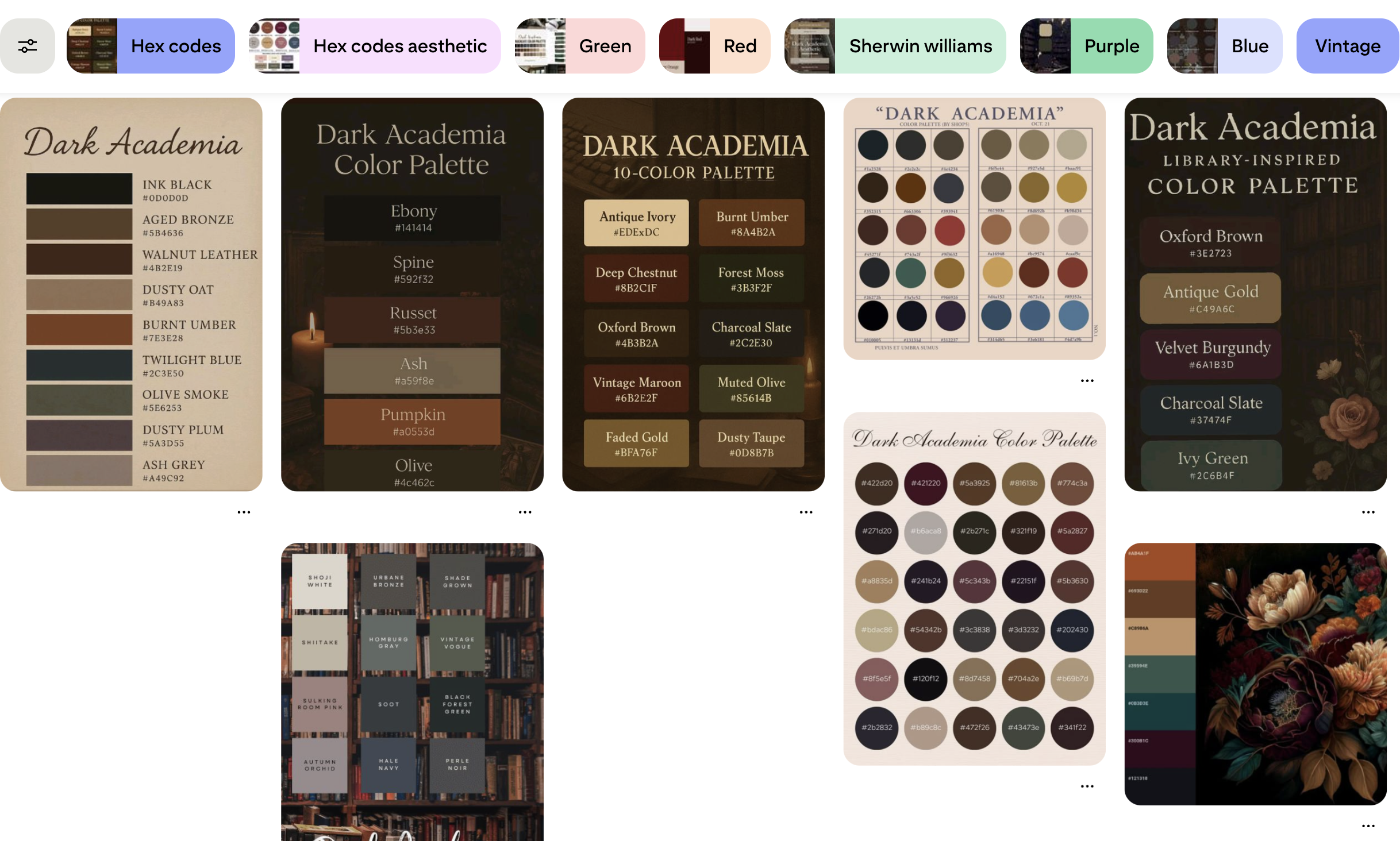
I’m also trying my best to create my own thumbnails, such as the ‘default’ thumbnail. All content is created with my iPad using Procreate.

Pinterest has always been a good source for inspiration, although recently AI slop has made things a bit harder.
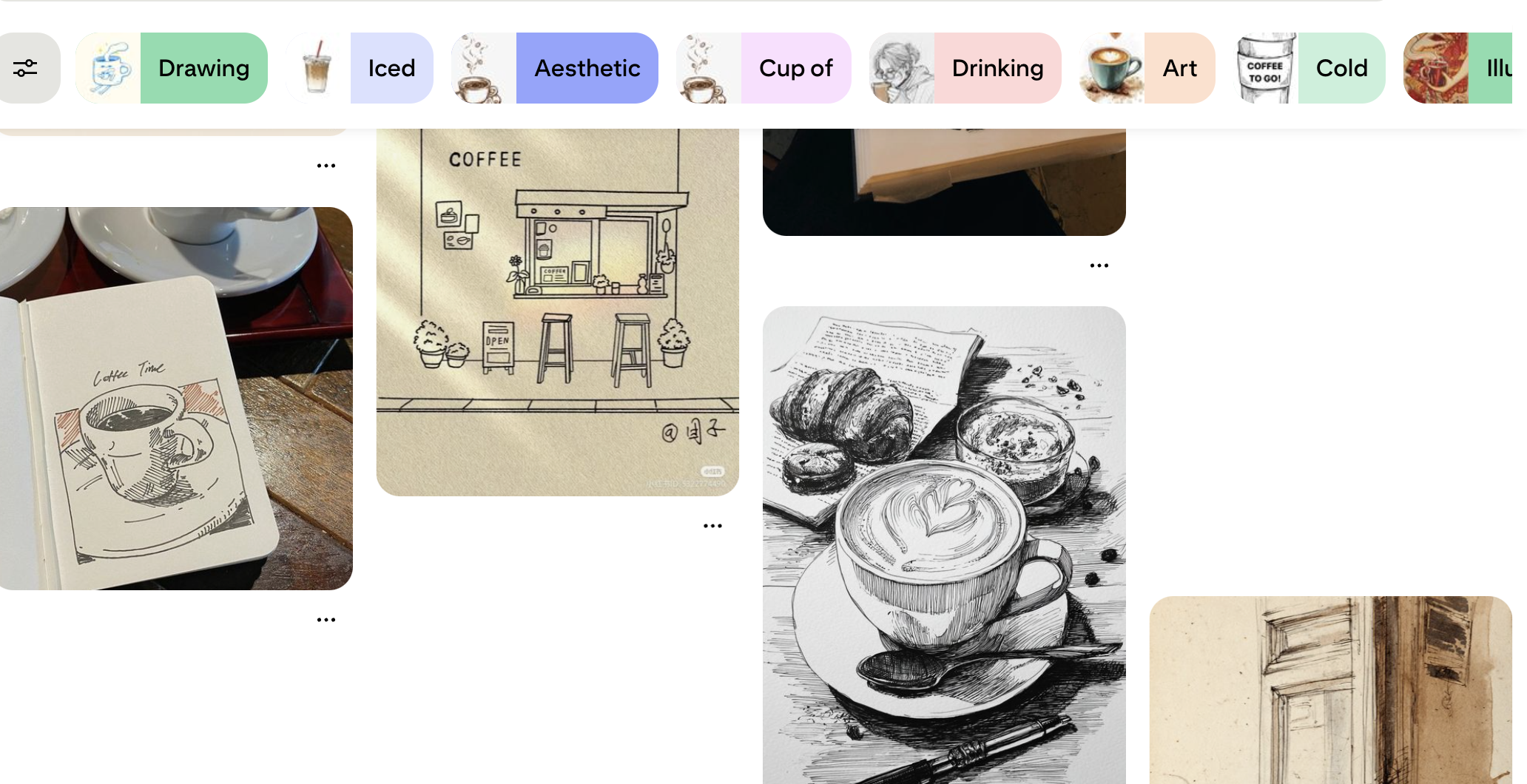
Deepseek for overall CSS design
I’ve only ever taken one web design course that barely touched upon CSS. I tried to follow w3schools’ CSS documentation for a bit, but I honestly didn’t really enjoy it too much. There wasn’t an issue, or a puzzle, or something that needed a very specific or clever solution. You either had the knowledge to create what you want, or you didn’t.
Considering the vast amount of documentation and tutorials on the web regarding CSS, I prompted Deepseek to create ‘modern’ blocks of code. I’m confident enough in my ability to tinker with the generated code to understand and modify it to fit my needs.
Disclaimer regarding LLMs
I’m always a bit hesitant on using LLMs because of how they rely on probability / prediction when providing answers. Due to the large amount of public CSS documentation that the models have definitely scraped, this was one of the few use cases where it saved a lot of time.
There’s peace of mind in knowing that you can easily find the exact documentation for the in-depth breakdown of functions and libraries as needed.
Using grid for headers and footers
Early on, I actually had a problem “anchoring” my footer to the bottom of the page. I don’t like floating footers, but I was having a hard time consistently keeping it at the end of the content while “sitting” at the bottom for shorter content pages.
Deepseek offered a few different solutions, but it honestly wasn’t consistent across all my pages and, more importantly… I just wasn’t familiar enough with the topic to build upon or adapt the generated code.
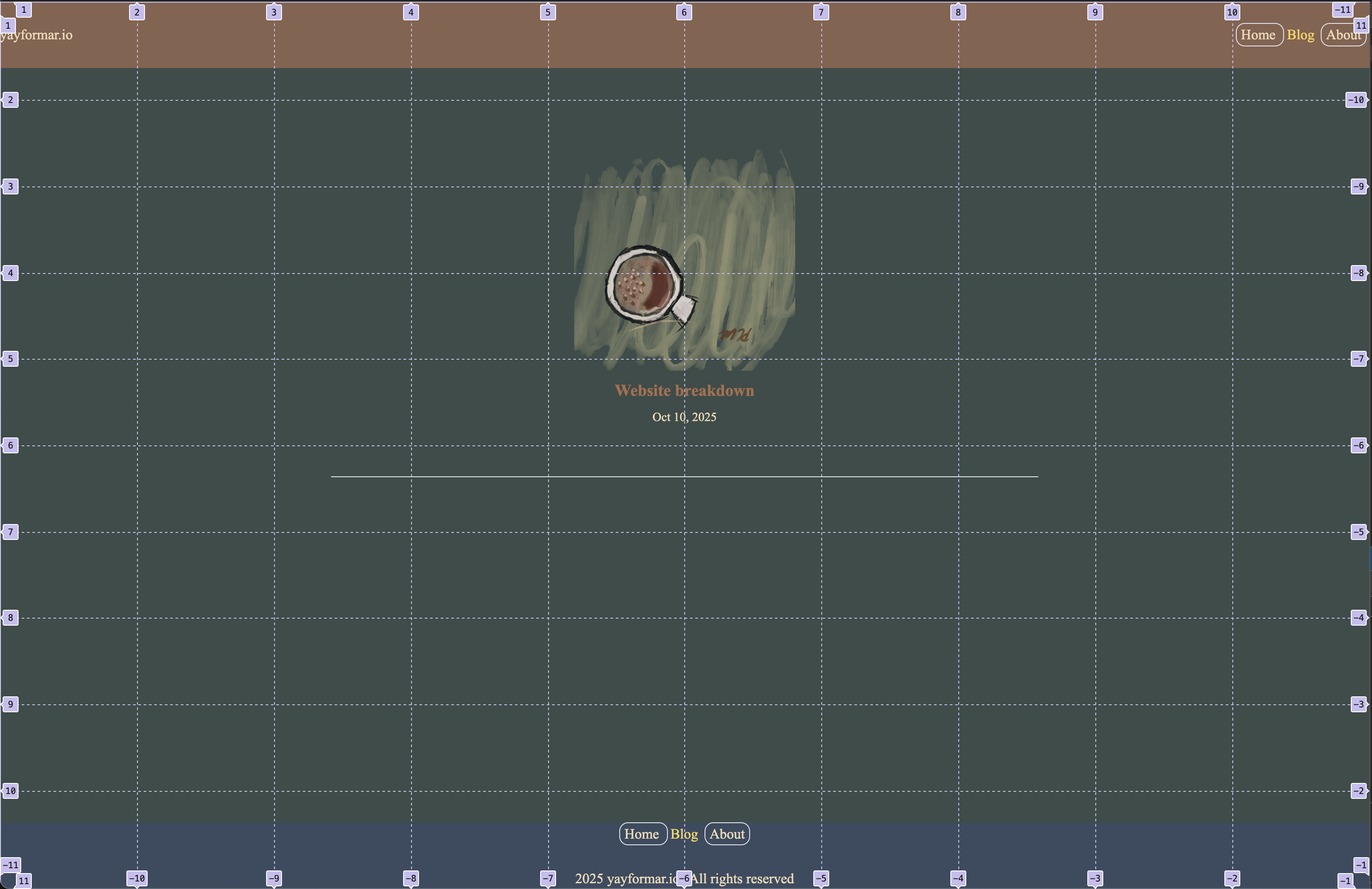
From what it generated, I now know that there’s a handful of different ways to achieve what I wanted, and out of all of those, I really enjoyed the concept of using grids. Slaying the Dragon has a really dense 13-minute deep dive on the topic.
My entire website is composed of a 10x10 grid with adaptive flex boxes within designated grid areas. I’ve always used graph paper in school, so it’s easy to sketch up something on paper and directly adapt it to my website.
Pagination for organizing multiple posts
Pagination was tricky at first, mainly due to my ignorance and not knowing that the term “pagination” existed.
So if you’re like me, you will quickly realize that if we continue to add posts, a page can get cluttered very quickly. Instead of having 50 posts on a single page, it’s probably smarter to break it down into 5~10 posts per page… but needing to create a new page for every handful of posts sounds extremely tedious.
Let’s not forget the massive overhaul you’ll run into if you want to organize things by topic and shift things around.
The quest for a solution
I use Google all the time, and I know that they organize posts by page. Obviously, the solution was to find a system design interview question for “Design Google / Design a search engine” and locate the part of the video on how they catalog links. This is where I discovered the term ‘Pagination.’
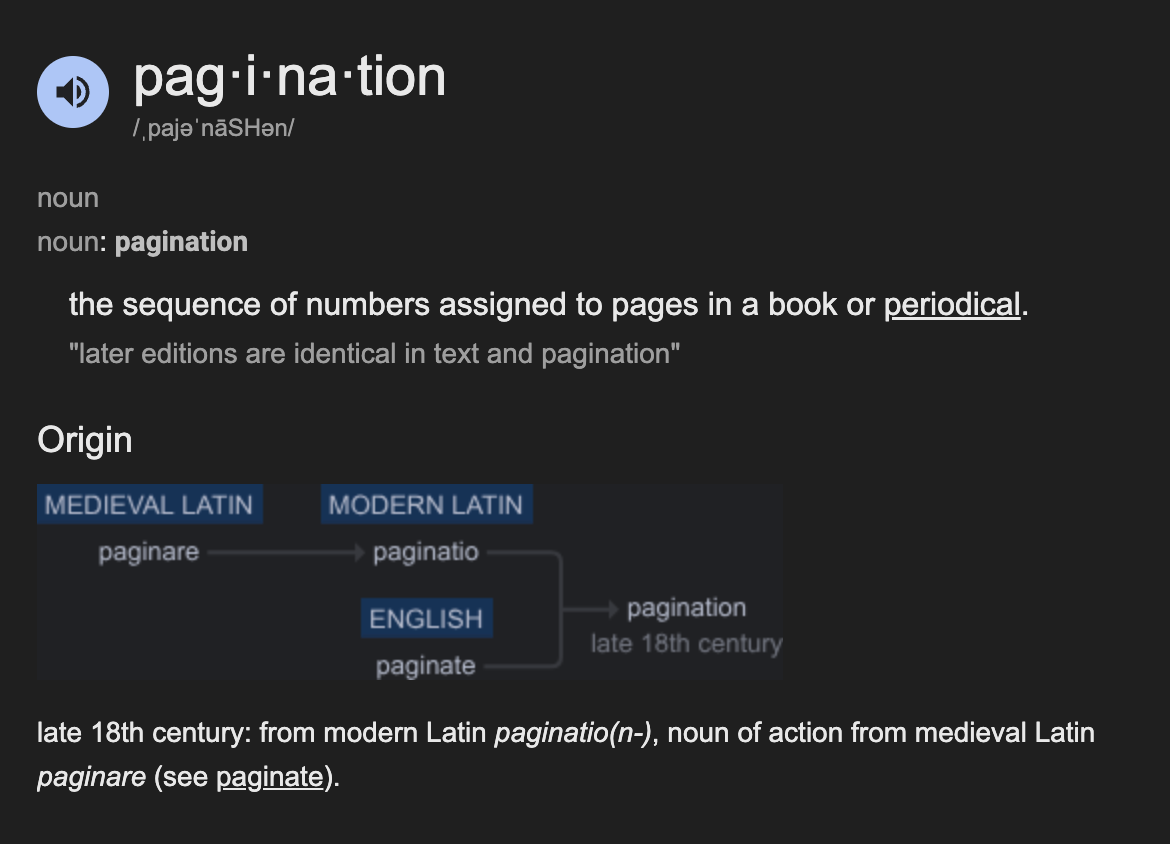
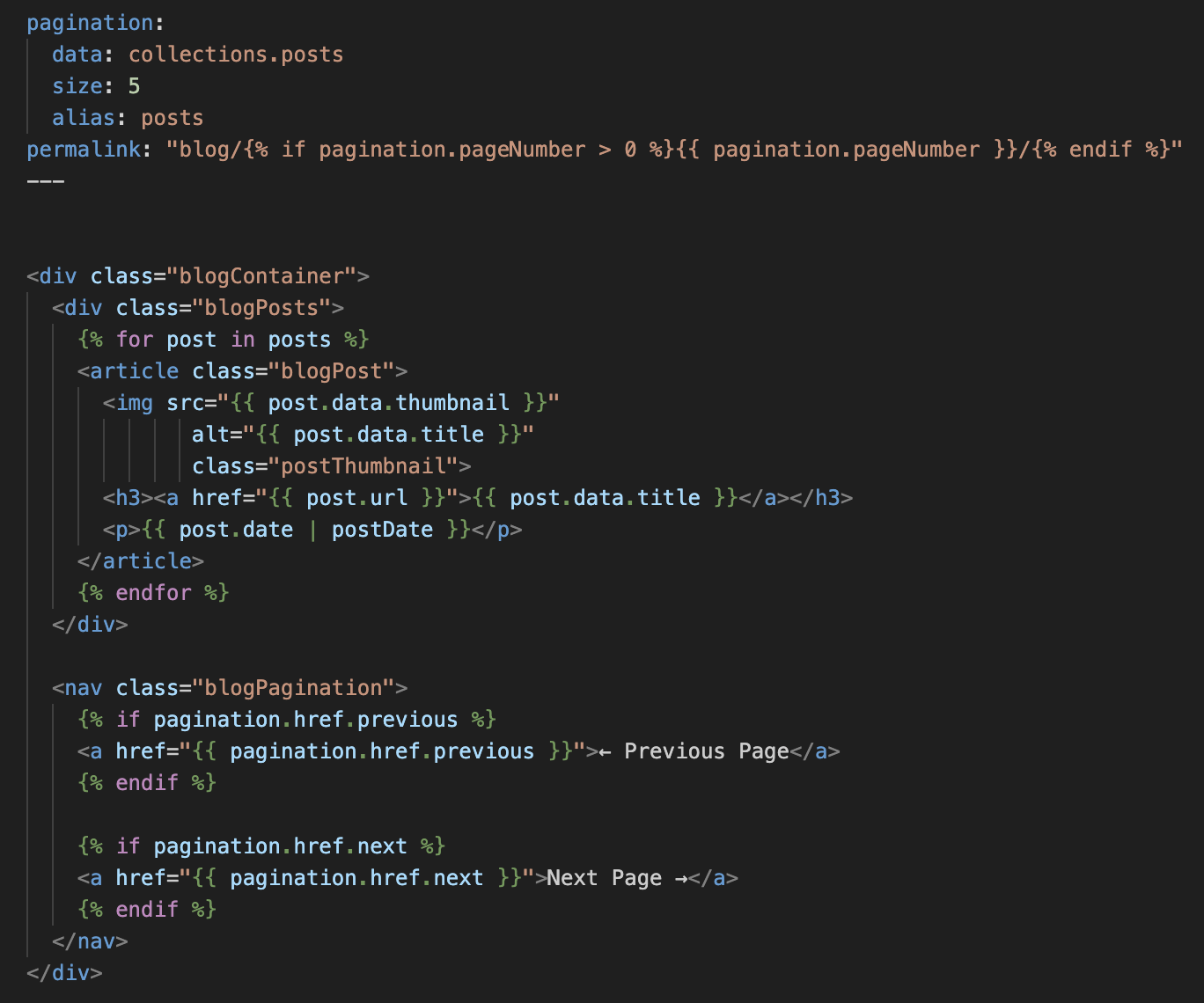
To my pleasant surprise, 11ty has pagination built in and a very thorough documentation.
And just like that, what sounded like a nightmare can elegantly be done in under 50 lines of code.
Future plans for the site
There were a few more quirks with the website, such as 11ty’s use of ISO 8601 for dates (YYYY-MM-DD), but not enough to highlight on their own.
My landing page will probably be updated to include recent posts from different hobbies, which will also require implementing a filter for sorting, but honestly, the website’s basically done. Depending on the topic, I might even consider making YouTube videos and embedding the link, but we’ll see.
Overall, pretty fun little quick project and I’m looking forward to see how it’ll turn out in a few years as I continue to improve.